UI & UX
Product Design
Front-End Coding
6 Months
Timeline:
My Role:
UX Designer Front-End Developer
Team Build
type:
Tools:
Figma Canva Visual Studio Code
Project Background
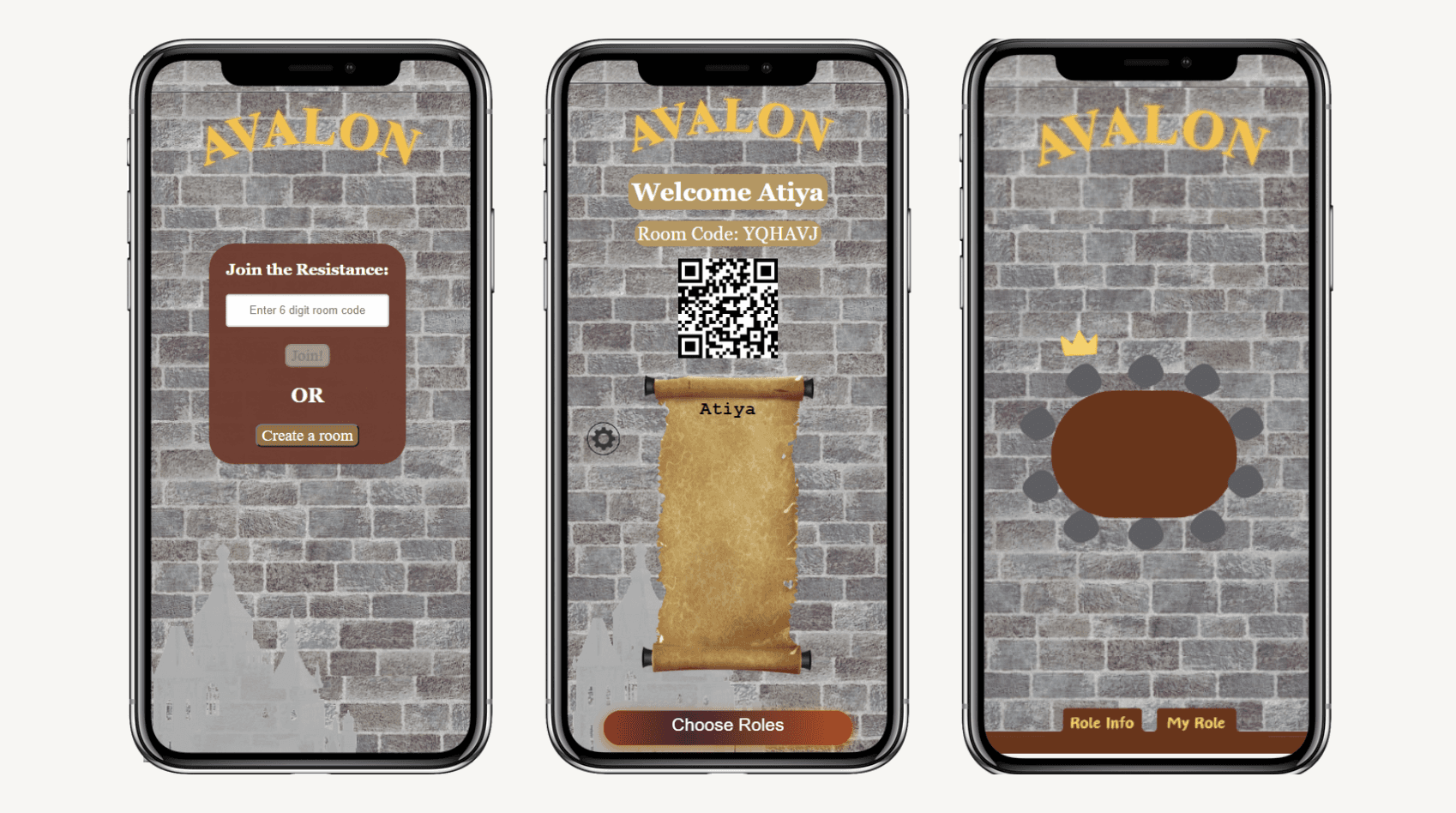
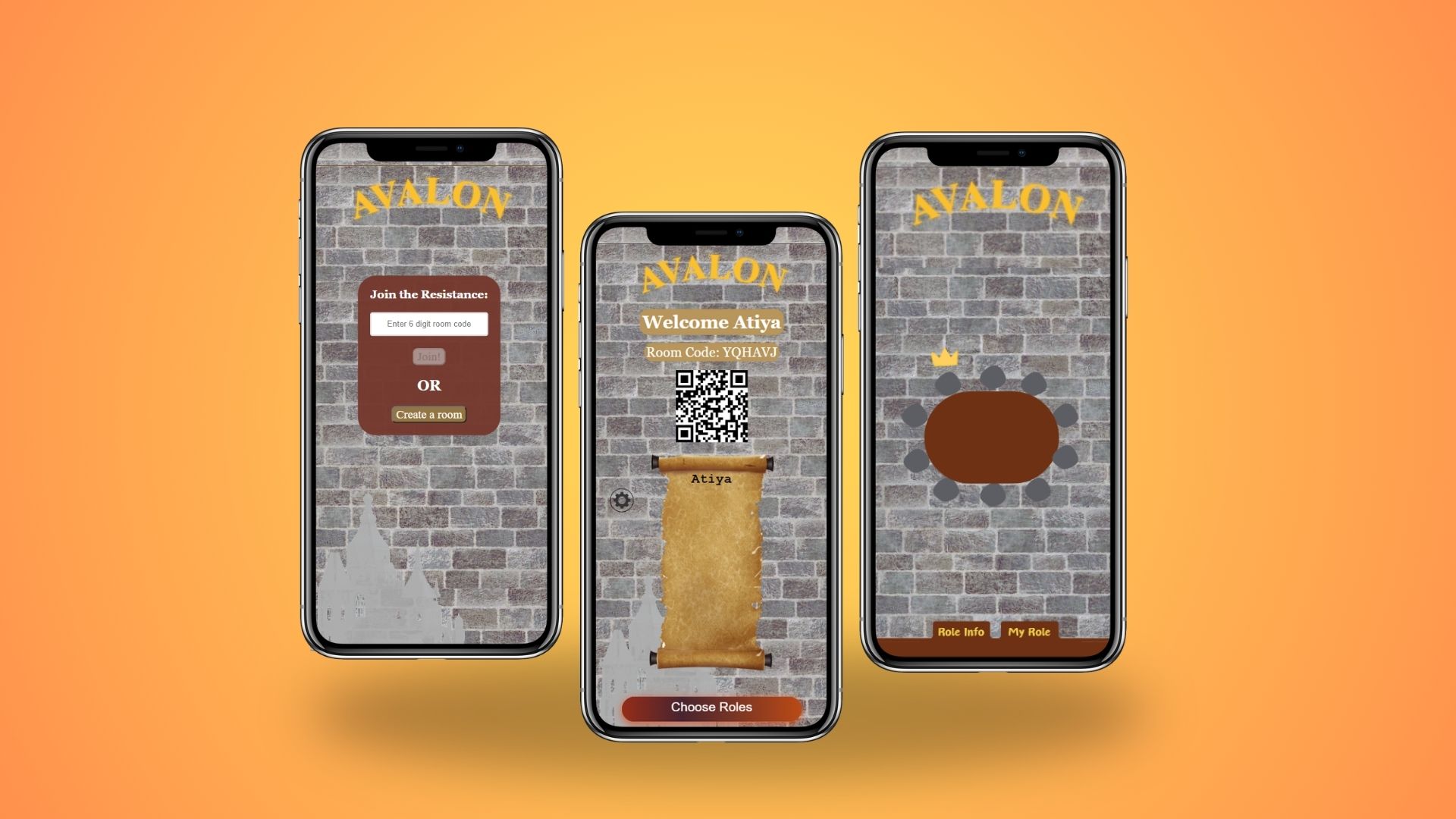
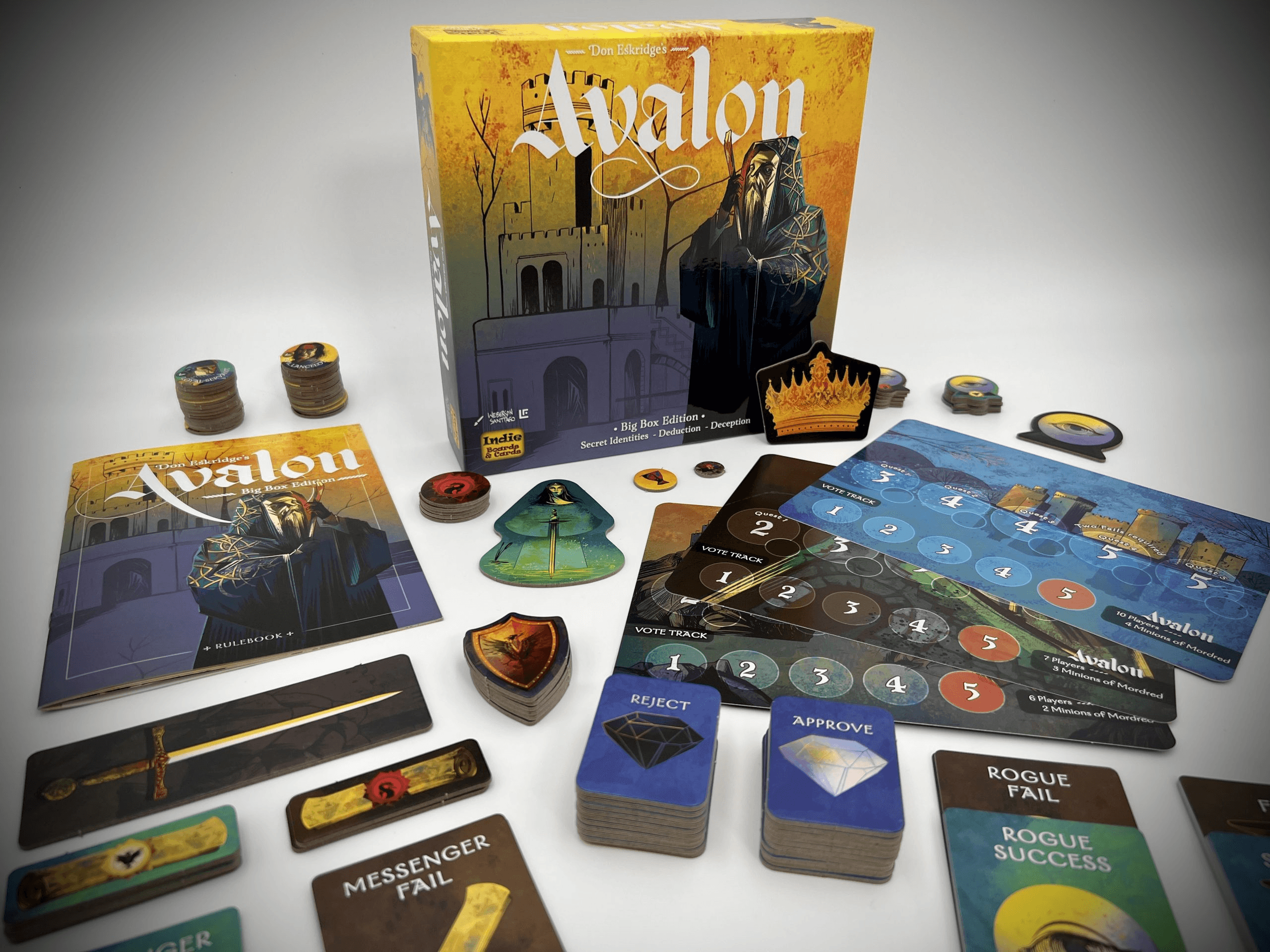
This project is designed as web app companion to the popular board game Quest: Avalon (Big Box Edition), built with a team of my four developer friends. The app digitizes key game logistics, such as voting, role selection, and mission selection, for a smoother, more convenient in-person experience. We are currently expanding it into a fully remote-playable game, but in its current form it is designed to be used alongside the original board game.
Problem Statement
Avalon's Big Box Edition introduces a large number of roles, cards, and mechanics that become increasingly difficult to manage as the player count grows. With one person responsible for handling all game logistics, from distributing role cards to tallying votes, the game is prone to errors, confusion, and disrupted flow. There was no dedicated tool to help players manage these moving parts digitally, leaving larger groups especially vulnerable to delays and miscommunication during gameplay.
My Process
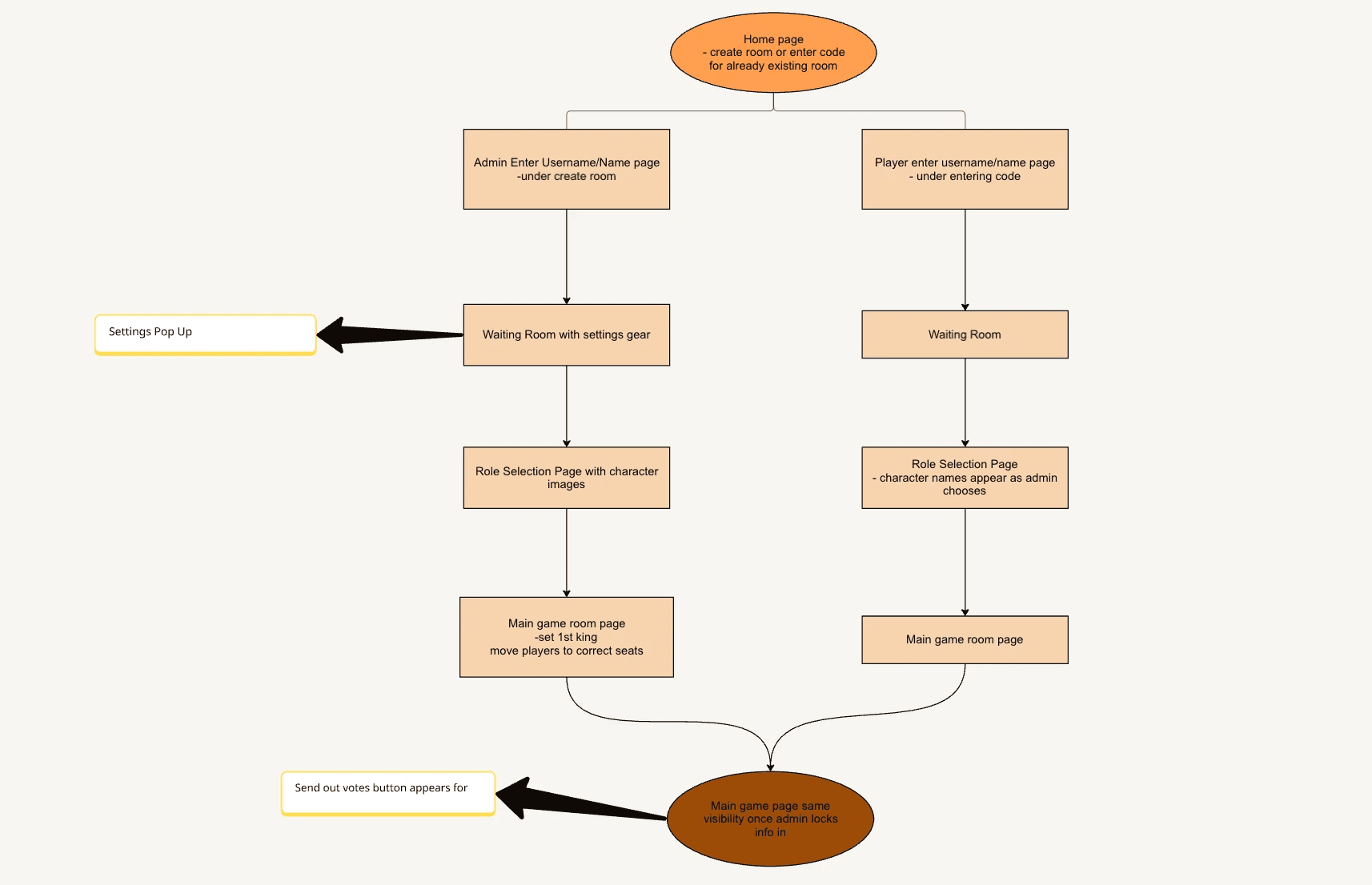
Information Architecture - To plan the app's structure, I created an application map to organize screens in the most logical order for gameplay.
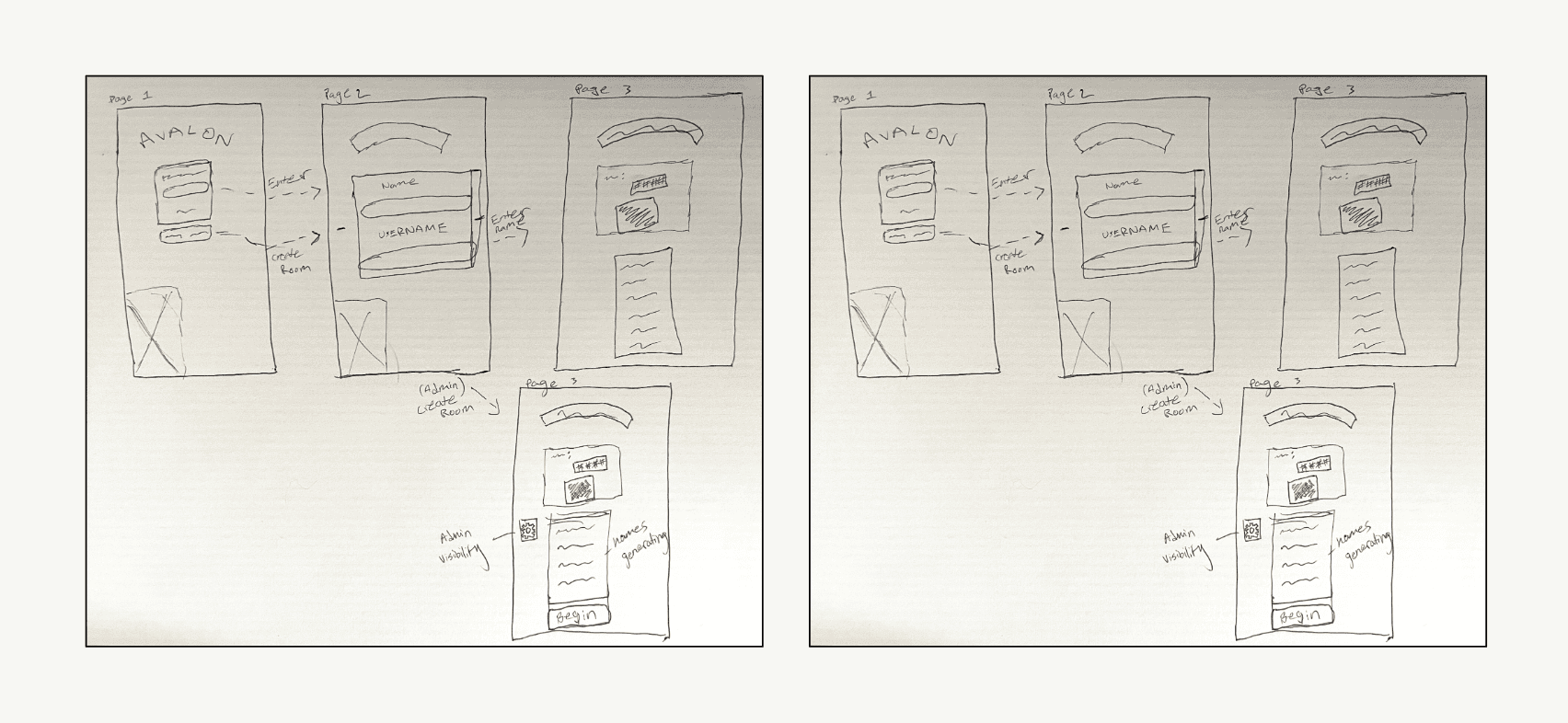
My Sketches - I spent considerable time sketching out the app's structure before moving to digital tools. My biggest concern early on was ensuring the app wouldn't compete with the board game itself if it introduced too much friction or too many new mechanics, players would simply ignore it and stick to what they knew.
"The goal was to supplement the game, not replace it."
Outcome
Challenges
Voting flow - We went back and forth on who controls the vote, whether players could change their answer before submitting, and how results would be revealed. After testing different workflows we landed on a confirm button and King-initiated voting.
Balancing digital and physical play - Deciding which mechanics to digitize and which to leave to the board game was tricky. Too many digital touchpoints risked slowing down gameplay instead of improving it.
Role distribution - Delivering roles privately to each player without others seeing required careful decisions around timing and screen visibility.
Designing for different player counts - The app needed to handle varying configurations as more players joined without becoming cluttered or confusing.
Onboarding new users - Not all Avalon players are familiar with digital party games, so keeping the setup flow simple and intuitive was an ongoing challenge.
Prototype Screens